Cameleon · Guide
How to make websites dark, or light, in Safari
Safari has two answers of its own. Reader shows one article at a time on the background you choose, and macOS Dark Mode turns a site dark if the site was built to follow it. For every other site, and for making a dark site light, you need a Safari extension that recolours the page.
1. Safari Reader: one article, on the background you choose
- On the page, click the Page menu button in the Smart Search field and choose Show Reader.
- Click the Reader button at the left end of the Smart Search field, and choose a background theme, a font and a zoom level.
- Reader keeps the last background, font and size you chose for the next article.
Where it stops: Reader only appears on a page with an article it can show. A home page, a search, a forum thread or a web app stays as the site made it, and Reader shows the article's text and pictures rather than the site itself. Apple's guide: Hide ads and distractions when reading articles.
2. macOS Dark Mode: for sites that offer one
- Open System Settings and click Appearance in the sidebar.
- Choose Dark, or Auto to switch on the Night Shift schedule.
Safari's own window turns dark at once. A website turns dark only if it was built to follow the setting.
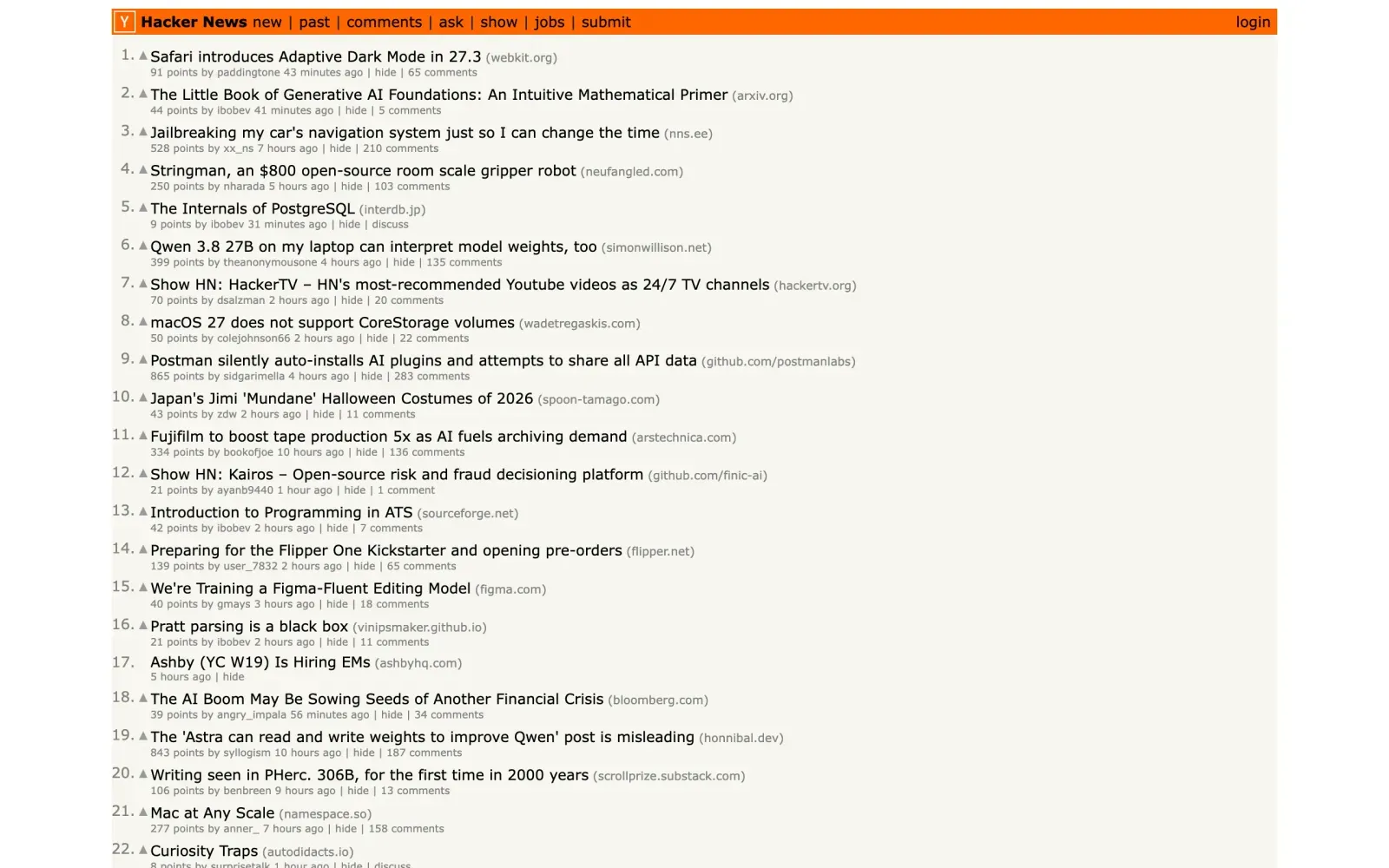
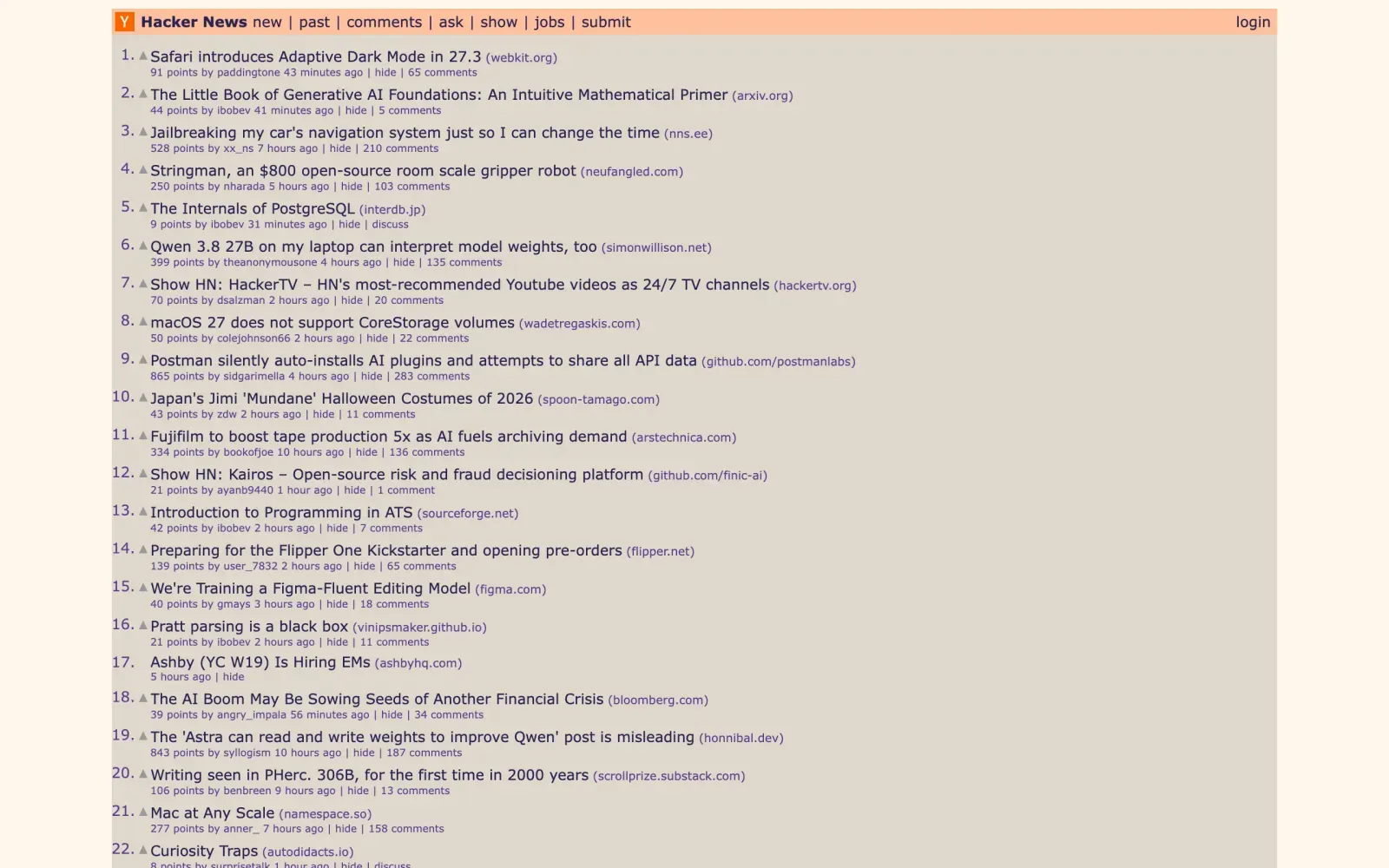
Where it stops: when we loaded 15 popular sites with the dark appearance on (3 November 2026), 4 followed it (GitHub, Python documentation, NASA and MDN Web Docs) and 9 stayed light, among them Wikipedia, BBC News, Hacker News and CNN. Ars Technica and Daring Fireball were dark in either appearance. And Dark Mode only goes one way: it never makes a dark site light.
3. Force dark mode on any site, with a Safari extension
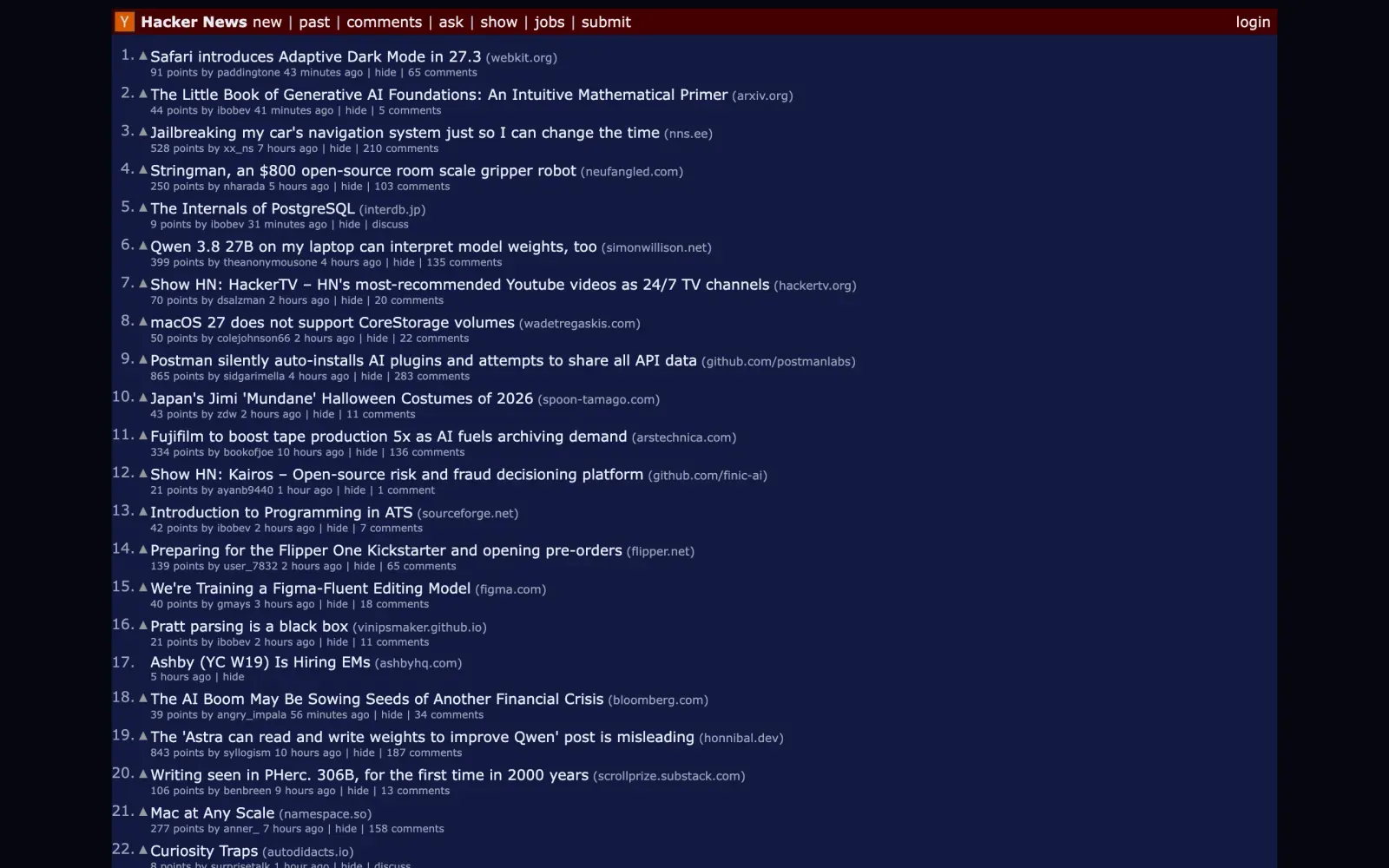
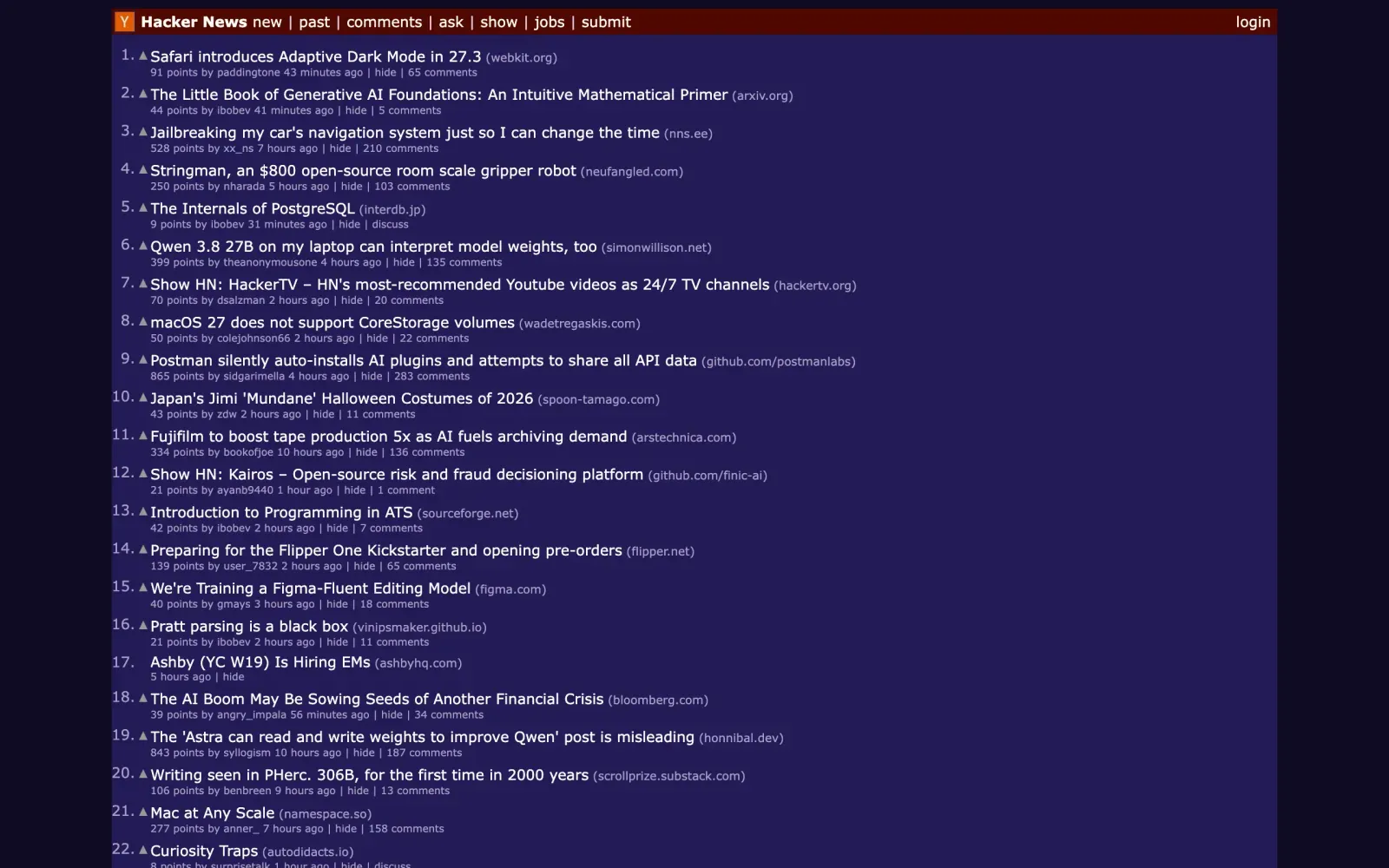
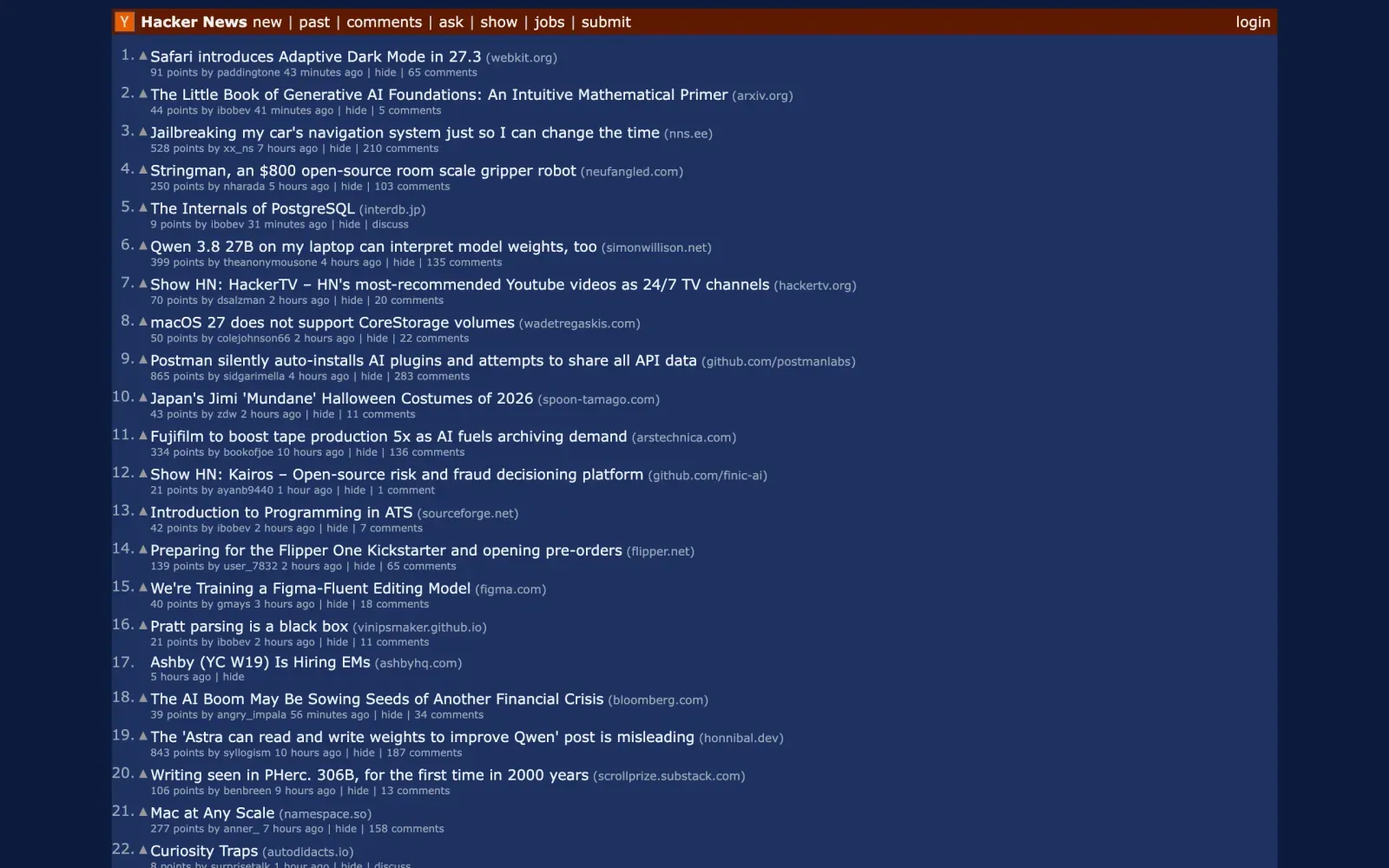
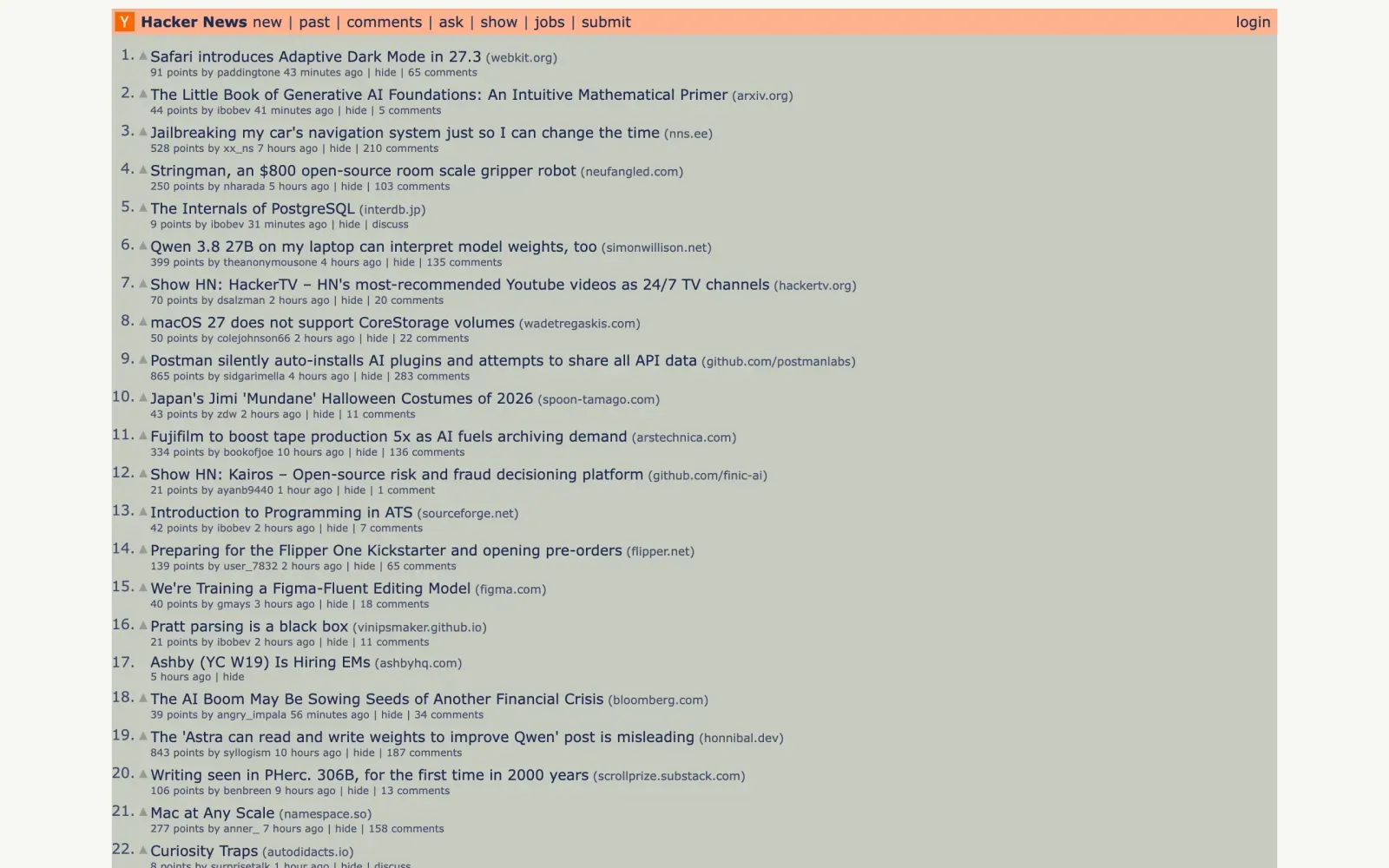
For a site that ignores Dark Mode, the remaining route is an extension that recolours the page itself. Cameleon is ours: choose a skin from its toolbar button, and the page's colours change while its layout, text and links stay as they are.
- Three dark skins, Midnight, Dusk and Legacy, for reading a bright site at night.
- A site's own dark mode is left alone by a dark skin, because two dark themes fighting read worse than one. Choose a skin for that site and it applies anyway.
- Text stays readable. Every text colour is re-lit to at least 4.5:1 against the skin's surfaces. On Hacker News, which has no dark mode, 266 of 315 pieces of text are under WCAG AA contrast in its own colours, and none are under any of the five skins.
- Remembered per site. A skin chosen for a site stays with that site; everywhere else follows one skin for your Mac's light appearance and one for its dark.
Other Safari extensions do this too, Dark Reader among them: Cameleon and Dark Reader compared, honestly.