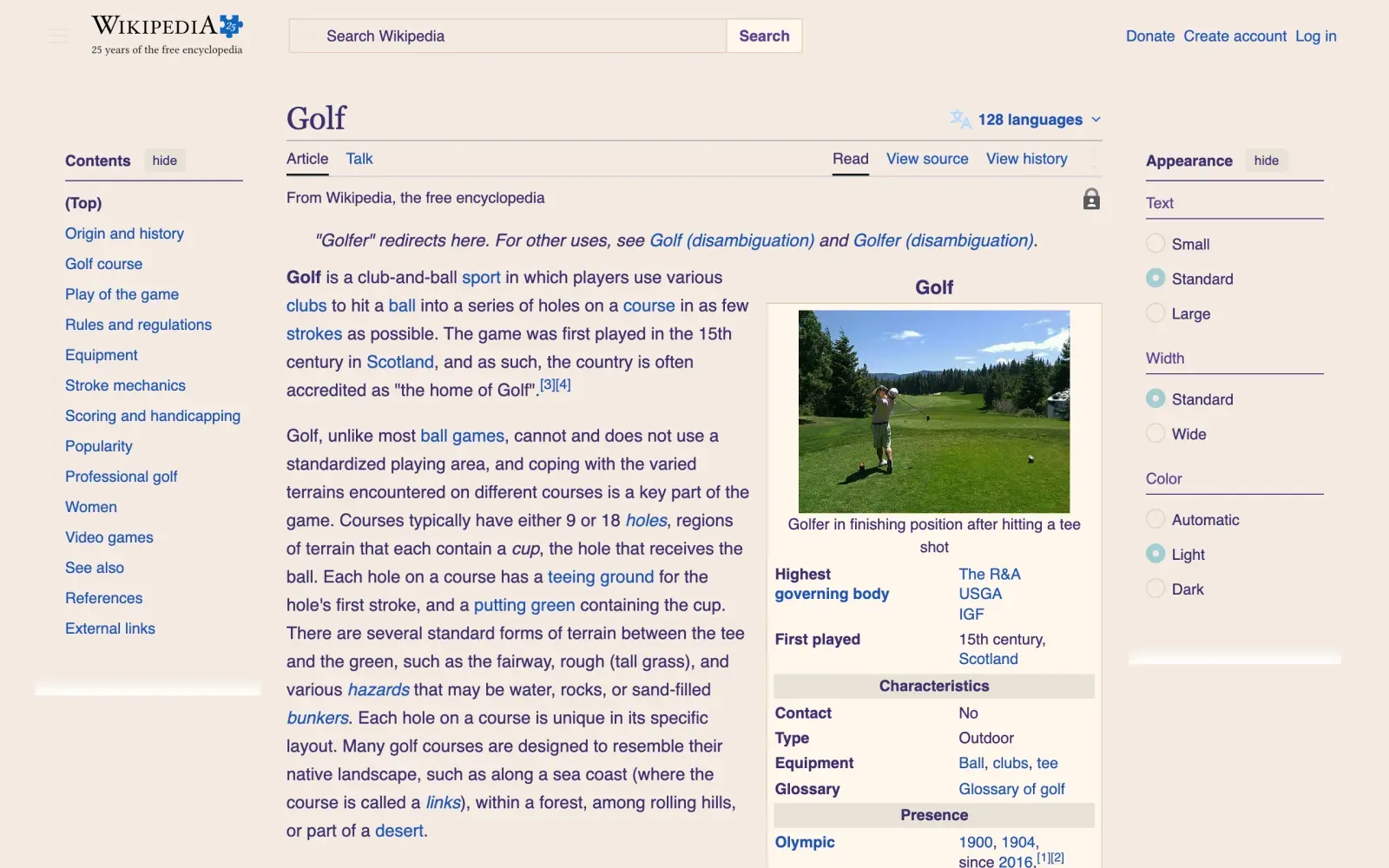
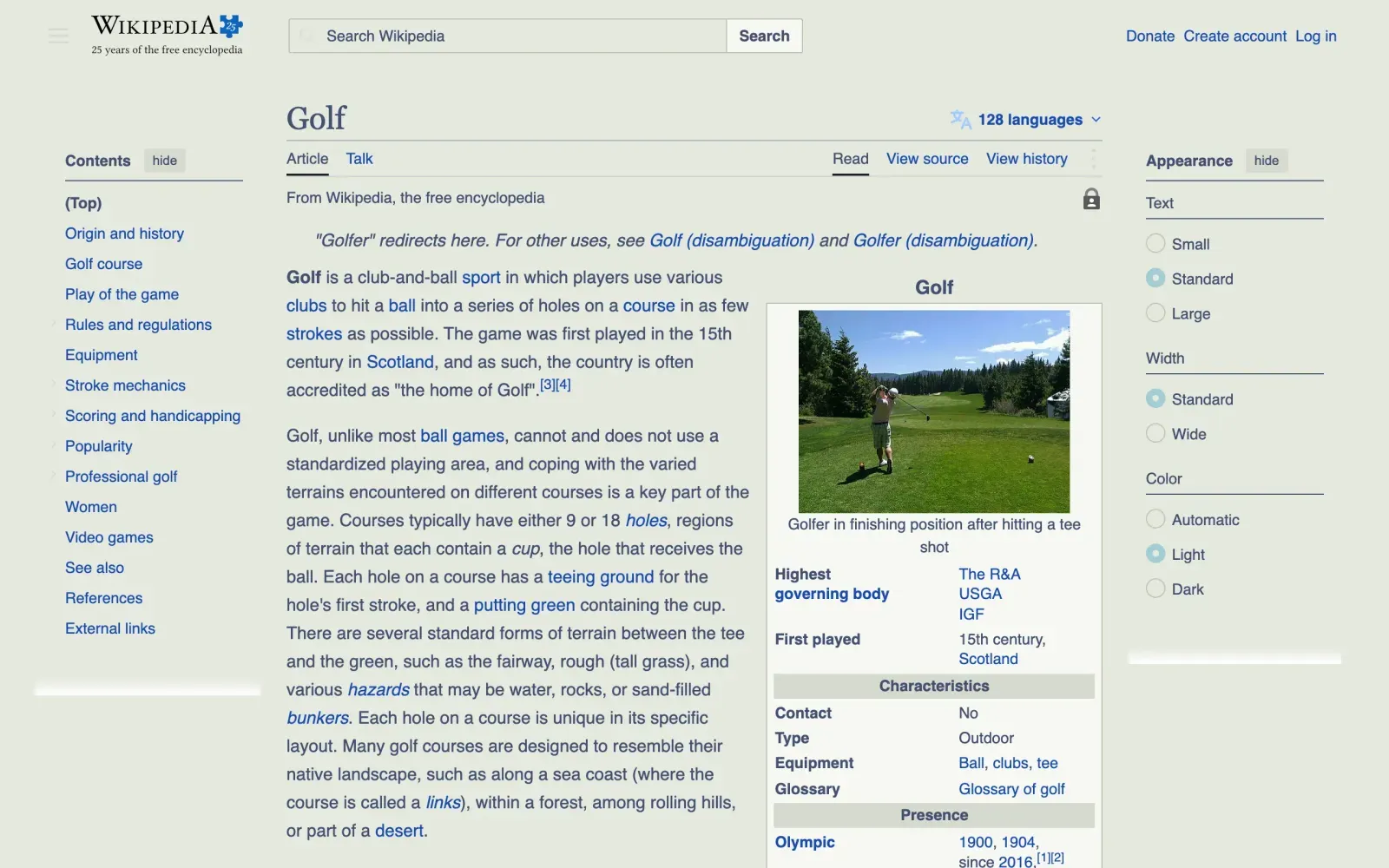
What Wikipedia offers by itself
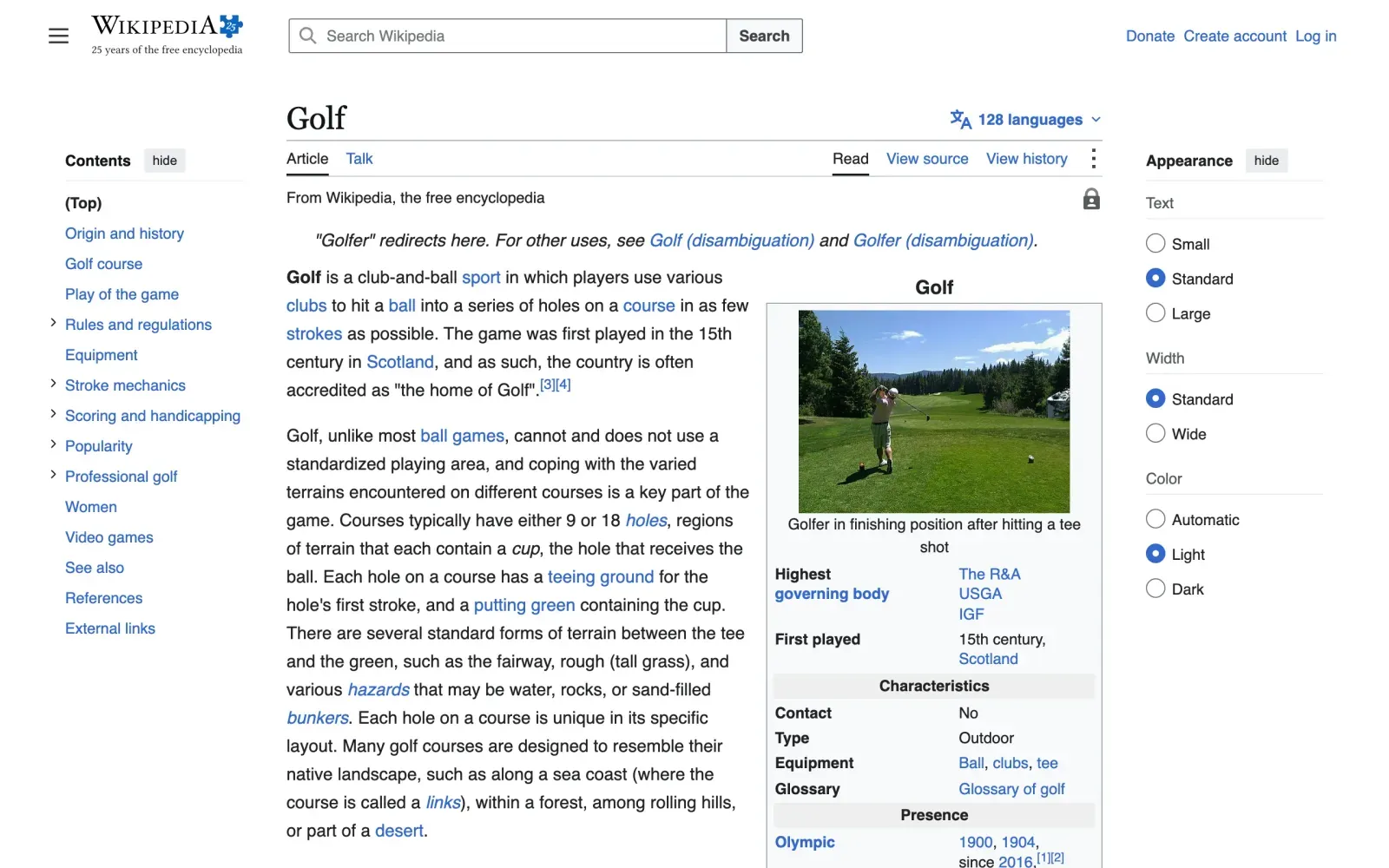
Wikipedia has a dark mode of its own: the Appearance menu beside an article has Color, with Automatic, Light and Dark, and Light is what a visitor gets until they choose. With the Mac set to dark appearance, the page stayed light.
What Cameleon does on Wikipedia
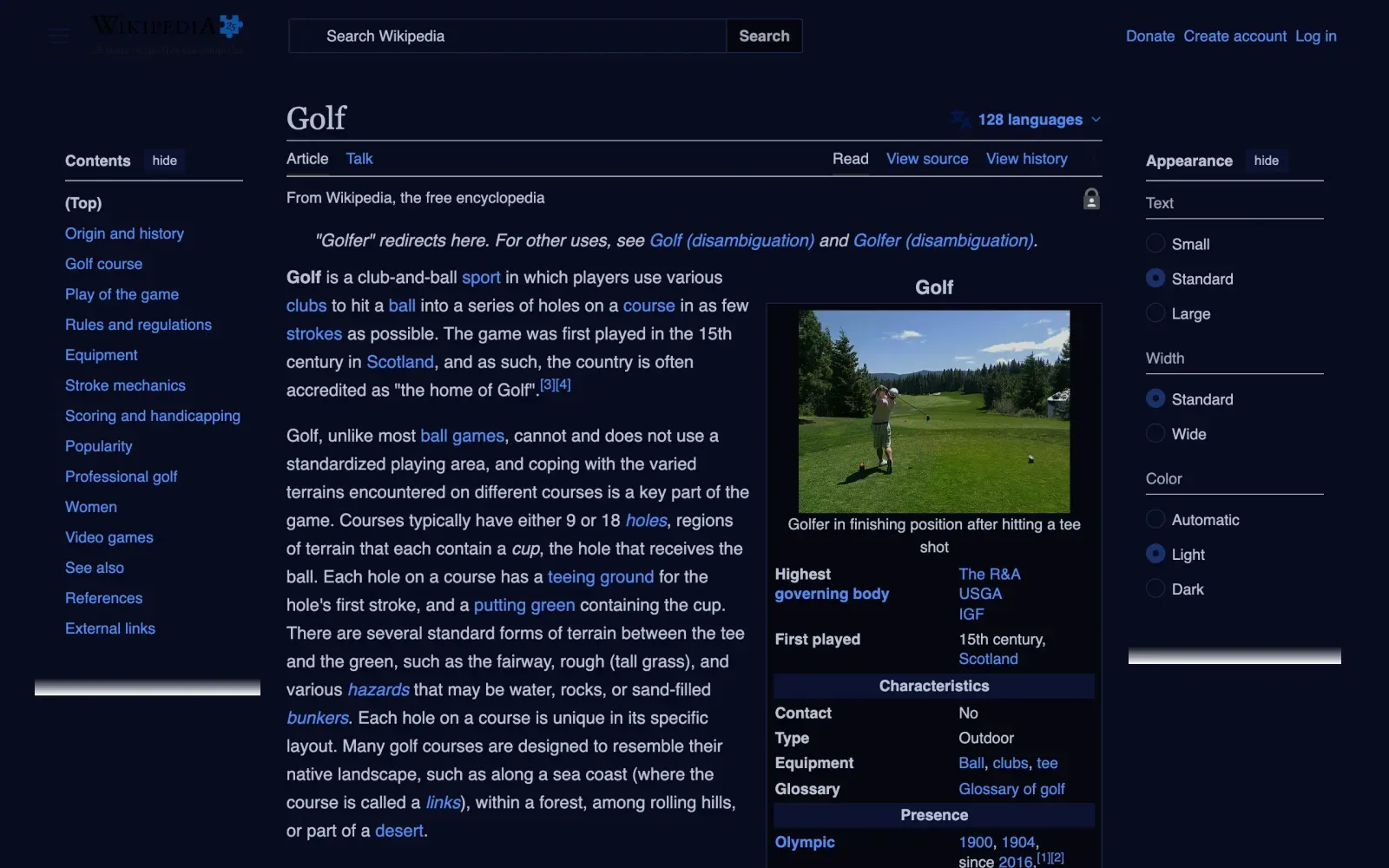
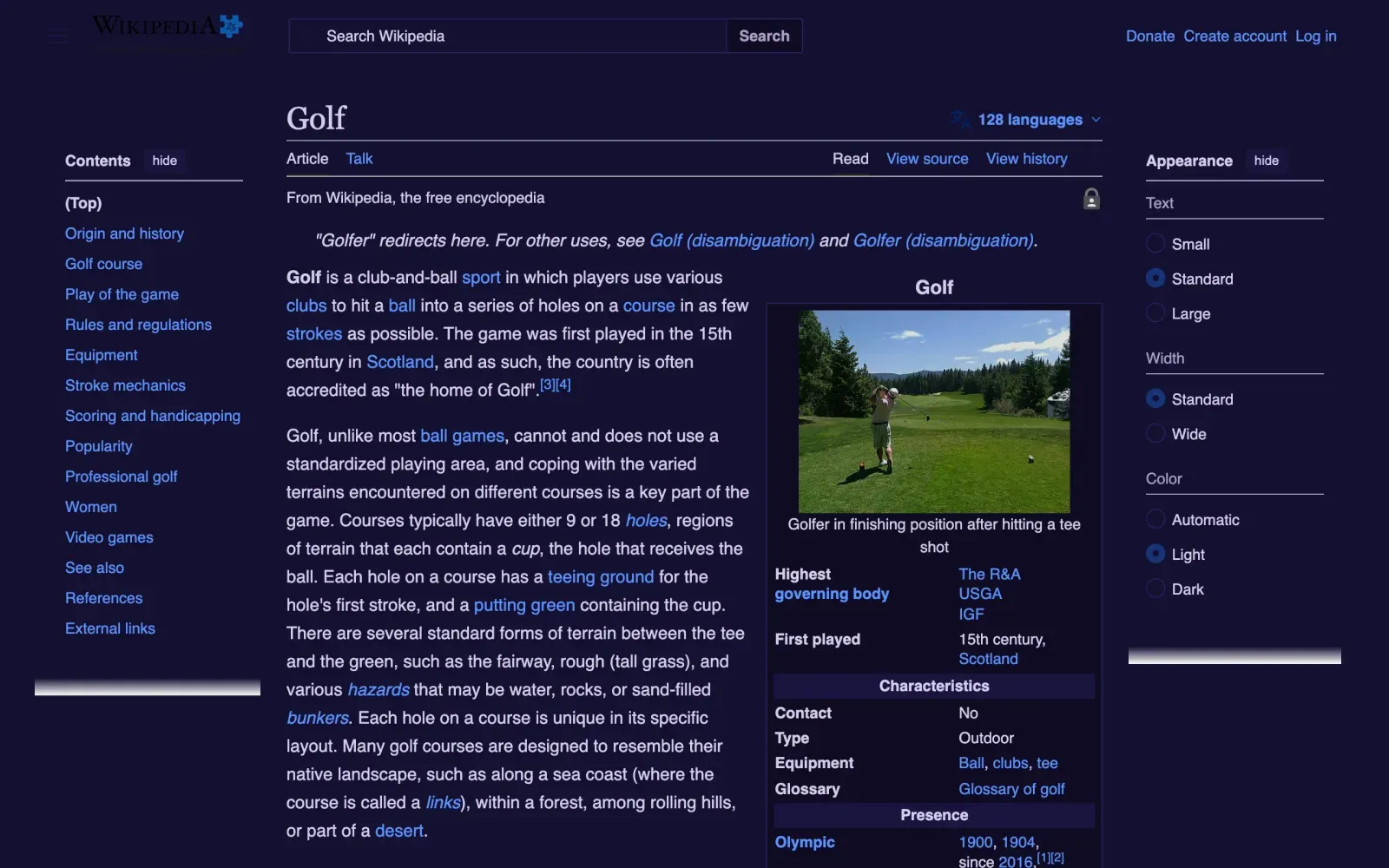
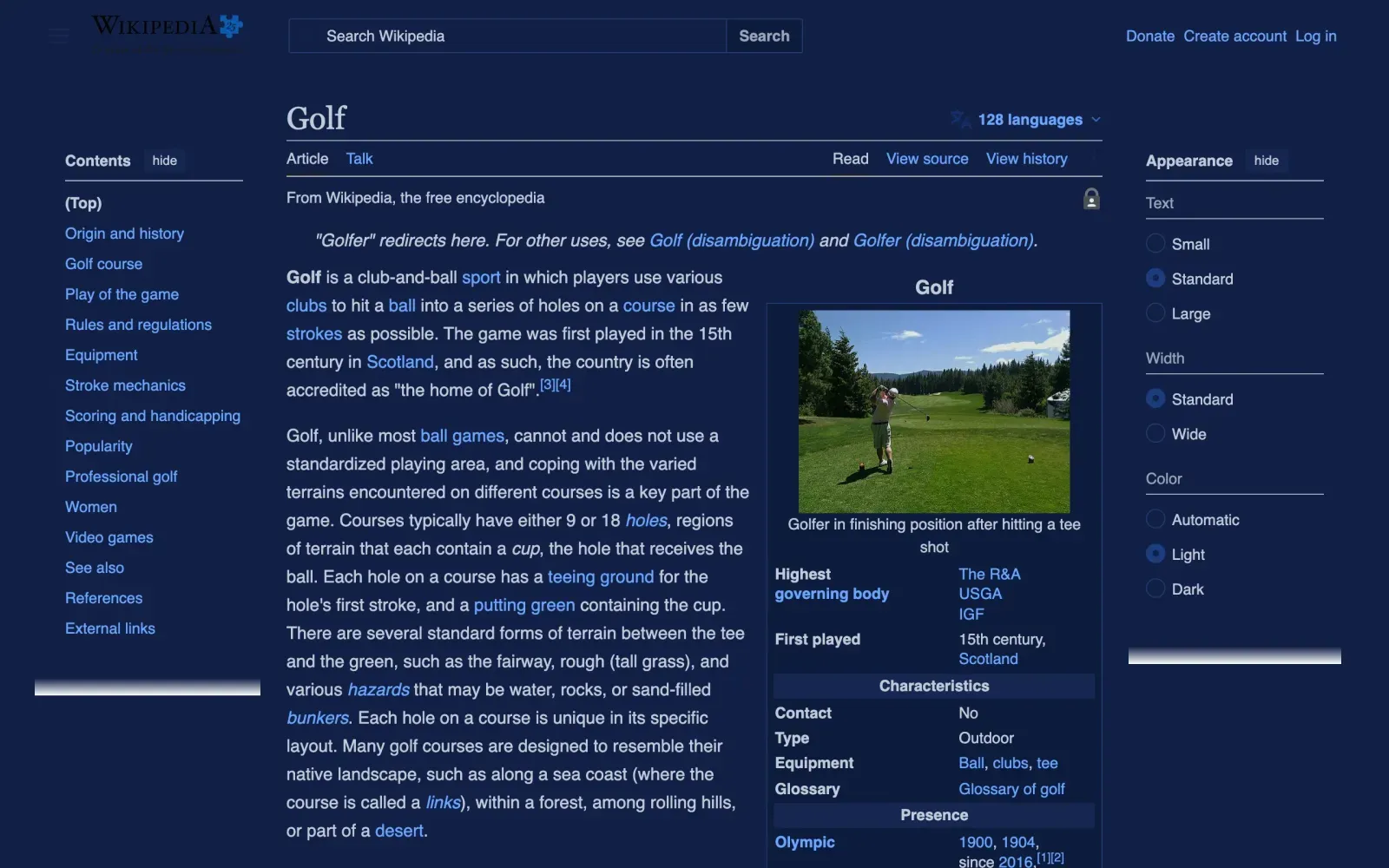
- Wikipedia stays light when your Mac is dark, so the skin you set for dark appearance recolours it.
- When your Mac is light, Wikipedia keeps its own colours unless you set a skin for light appearance, or choose one for Wikipedia.
- A light skin, Sunset or Yardage Book, always goes ahead on Wikipedia, dark or not.
- Choose a skin on Wikipedia and it is remembered for Wikipedia; other sites keep theirs.
- Colour only: the layout, the text and the links stay as Wikipedia made them.
The contrast, before and after
| Colours | Text under WCAG AA | Median contrast |
|---|
| Wikipedia's own | 18 of 1,662 | 5.37:1 |
|---|
| Midnight | 0 of 1,662 | 6.04:1 |
|---|
| Dusk | 0 of 1,662 | 6.44:1 |
|---|
| Legacy | 0 of 1,662 | 6.82:1 |
|---|
| Sunset | 0 of 1,662 | 6.77:1 |
|---|
| Yardage Book | 0 of 1,662 | 6.61:1 |
|---|
Measured 3 November 2026 on the page shown, a public one read without signing in, with Cameleon's own engine. WCAG AA is 4.5:1 for text and 3:1 for large text. How it was measured, and what it cannot fix.
Wikipedia belongs to its owner, who has nothing to do with Cameleon. The captures show its public page, to show the colours.
Every site, not just Wikipedia
Other sites